
- Please select the card you wish to join
-
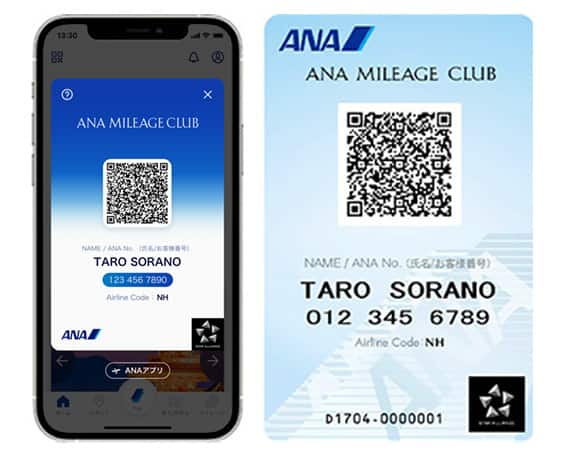
Get your digital card immediately
No enrollment or annual fees
ANA Mileage Club Card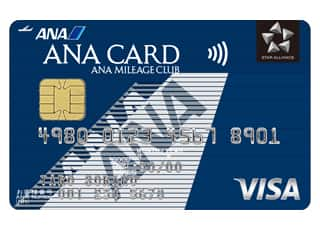
Earn more miles for your money
With credit function
ANA Card
How to use the ANA Lounge Service (Domestic)
This page explains the procedure for lounge access when flying on ANA Group operated Domestic flights.

Notice
-
From February 10 to late April 2026 (tentative), the lounge check-in system will be sequentially updated at each airport. At airports where the transition is complete, new check-in kiosks will be installed, and entry procedures will change slightly.
-
System Transition Schedule
Fukuoka Airport: Starting from February 10, 2026
Other Airports: Sequentially from April 2, 2026, onwards
-
Access to the ANA Lounges (Domestic)
Scan your boarding pass to the reader at the lounge reception or show it to the staff.
-
*
When the reader at the lounge reception is not able to confirm your ANA Mileage Club Membership Number (10 digits), you will be asked to show your ANA Mileage Club card.
The following customers are eligible to enter the lounge by scanning the reader.
- Lounges with the current system
-
Customer who is eligible to use the lounge. *
-
Accompanying guest ( Up to one guest. Except for accompanying guest of Business Class customer flying on ANA Group operated international flights who will transfer to/from Japan domestic flight within 24 hours.)
-
Star Alliance Gold members who have registered the frequent flyer number in advance.
-
*
Following are the customers who are eligible to use the lounge.
-
Diamond Service Members
-
Platinum Service Members
-
Super Flyers Members (including Super Fliers Card Premium members)
-
ANA Million Milers
-
Star Alliance Gold Members
-
Customers using Premium Class (for Haneda, Osaka (Itami), Kansai, Chitose, Okayama, Fukuoka, Matsuyama, Kumamoto, Kagoshima, Okinawa, Sendai, Komatsu, Hiroshima, and Narita Int'l Airport lounges)
-
For flights departing on/after MM DD, YY, the descriptions on the reservation search page for Japan domestic flights will change from "Premium Class" and "Economy Class Seat" to "First Class (Premium Class)" and "Economy Class" respectively. There are no plans for any changes to the service following this change in terminology.
-
First Class or Business Class customers flying on ANA Group operated international flights who will transfer to/from Japan domestic flight within 24 hours
-
ANA Card Premium (Primary Member Only)
- Lounges with the new system
-
Customer with lounge access who have registered their frequent flyer number in advance.*1
-
Customer traveling in Premium Class.*2
-
One accompanying guest for passengers categorized in 1 and 2 above.
-
*
1
Following are the customers who are eligible to use the lounge.
-
Diamond Service Members
-
Platinum Service Members
-
Super Flyers Members (including Super Flyers Card Premium members)
-
ANA Million Milers
-
Star Alliance Gold Members
-
ANA Card Premium (Primary Member Only)
-
-
*
2
For flights from May 19, 2026, class names on the reservation search screen will change as follows:
First Class (Premium Class): formerly Premium Class
Economy Class: formerly Economy Class (No change)
Note: Services will remain the same.
Domestic Lounge Entry Procedures
- Lounges with the current system
Entry procedures for eligible customers
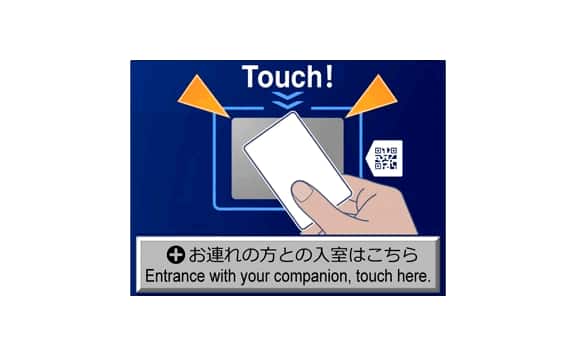
1. Please touch your boarding pass to the reader at the lounge reception. If you have a accompanying guest, please press the [Entrance with your companion, touch here.] button.
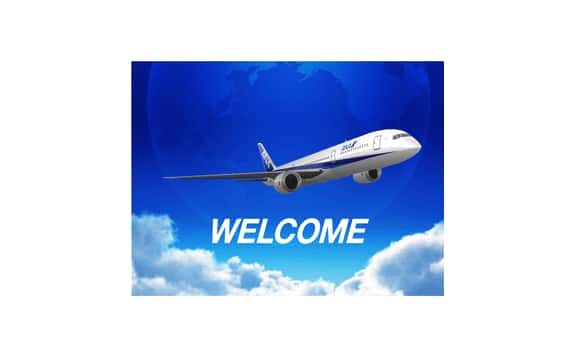
2. Customer information will be verified. If the above image is displayed, your application has been accepted.
Entry procedures for accompanying guests
1. Please press the [Entrance with your companion, touch here.] button.
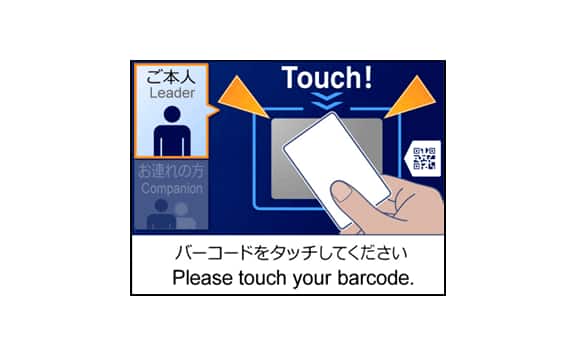
2. The main customer who is eligible to use the lounge should touch the boarding pass to the reader.
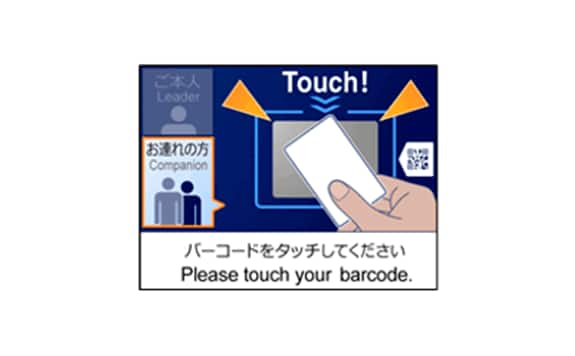
3. The accompanying guest should touch the boarding pass to the reader.
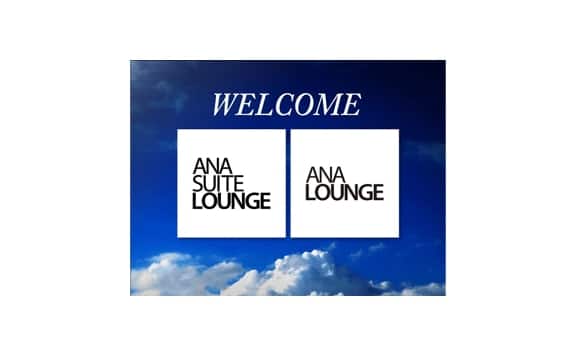
4. Customer information will be verified. If the above image is displayed, your application has been accepted.
Information
-
*
If the following screen is displayed, please inform staff.
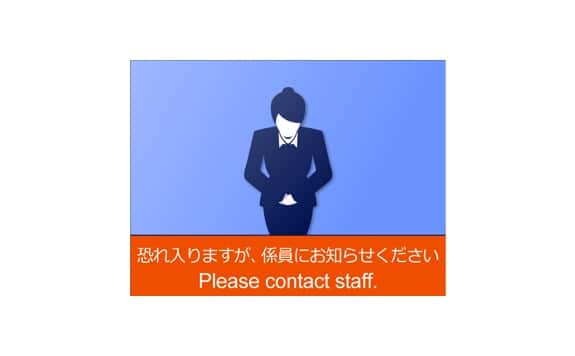
Please inform staff.
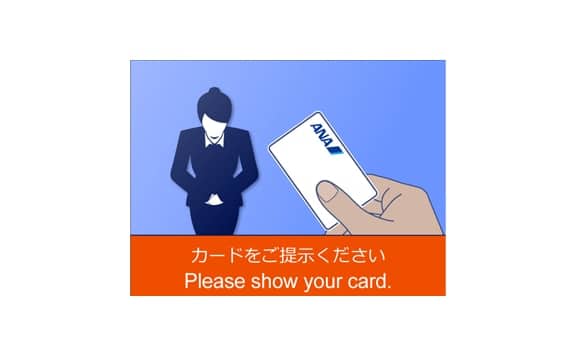
Please show your ANA Mileage Club card.
- Lounges with the new system
Entry procedures for eligible customers
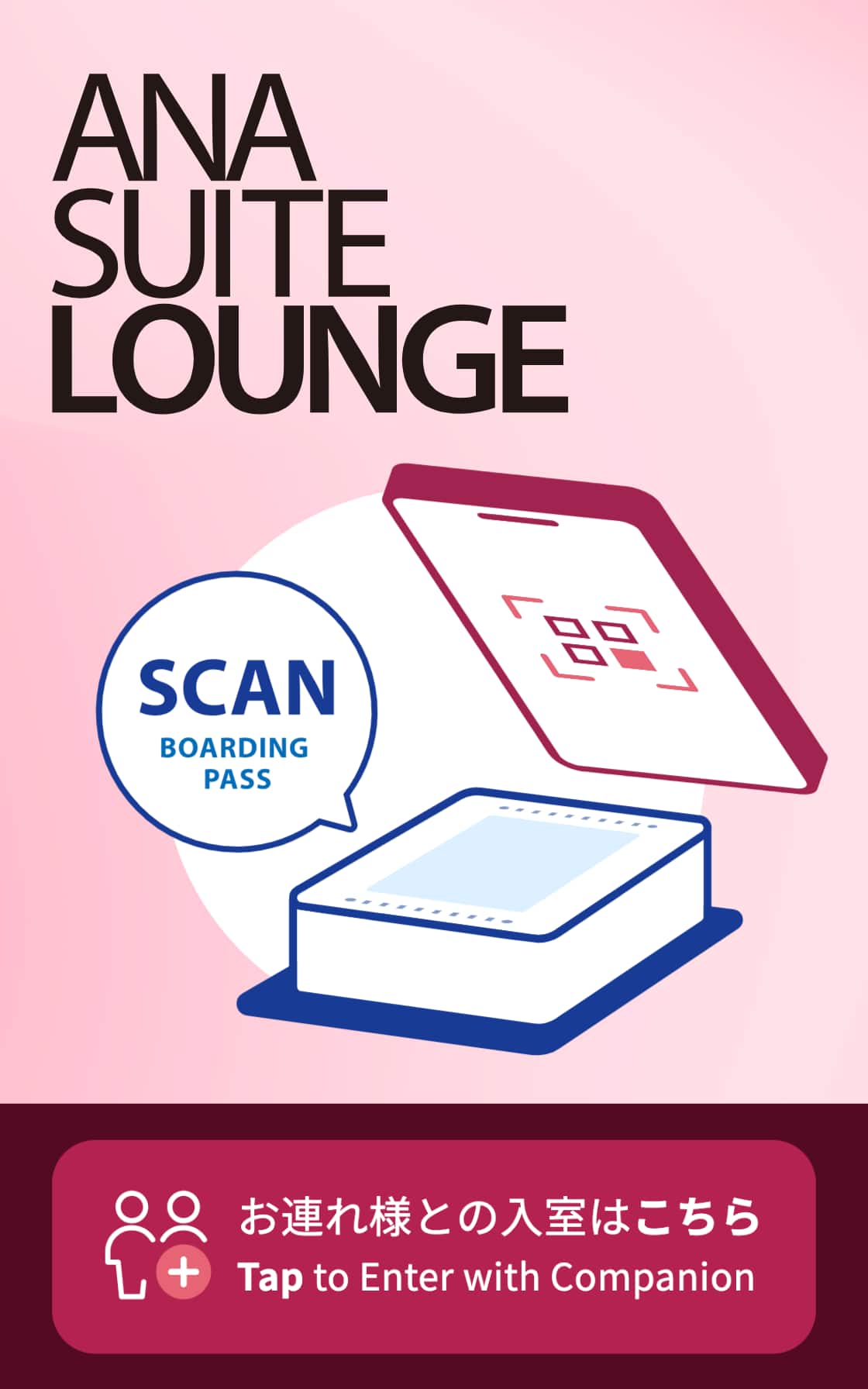
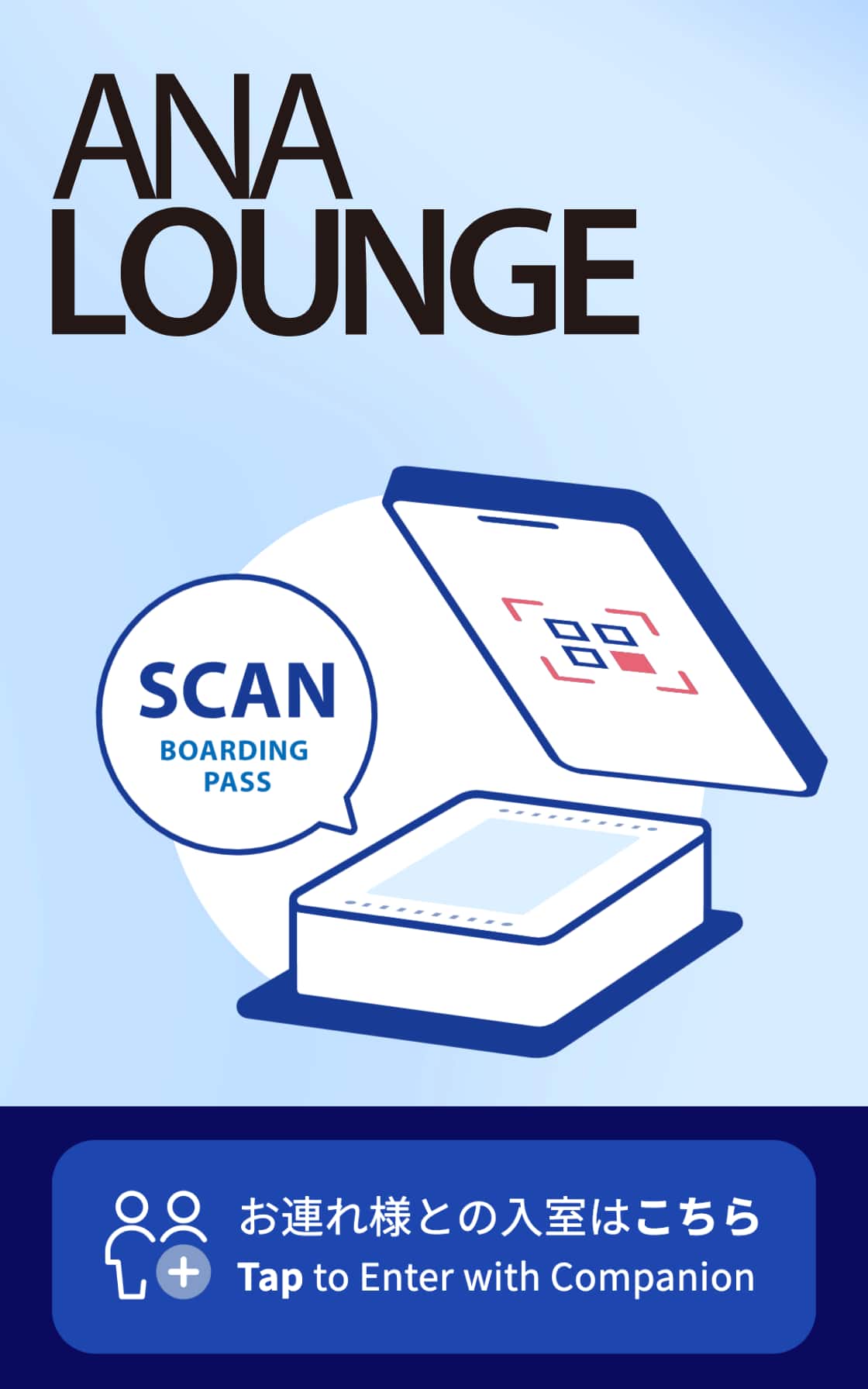
1. Please scan your boarding pass to the kiosks at the lounge reception. If you have a accompanying guest, please tap the [Tap to Enter with Companion]
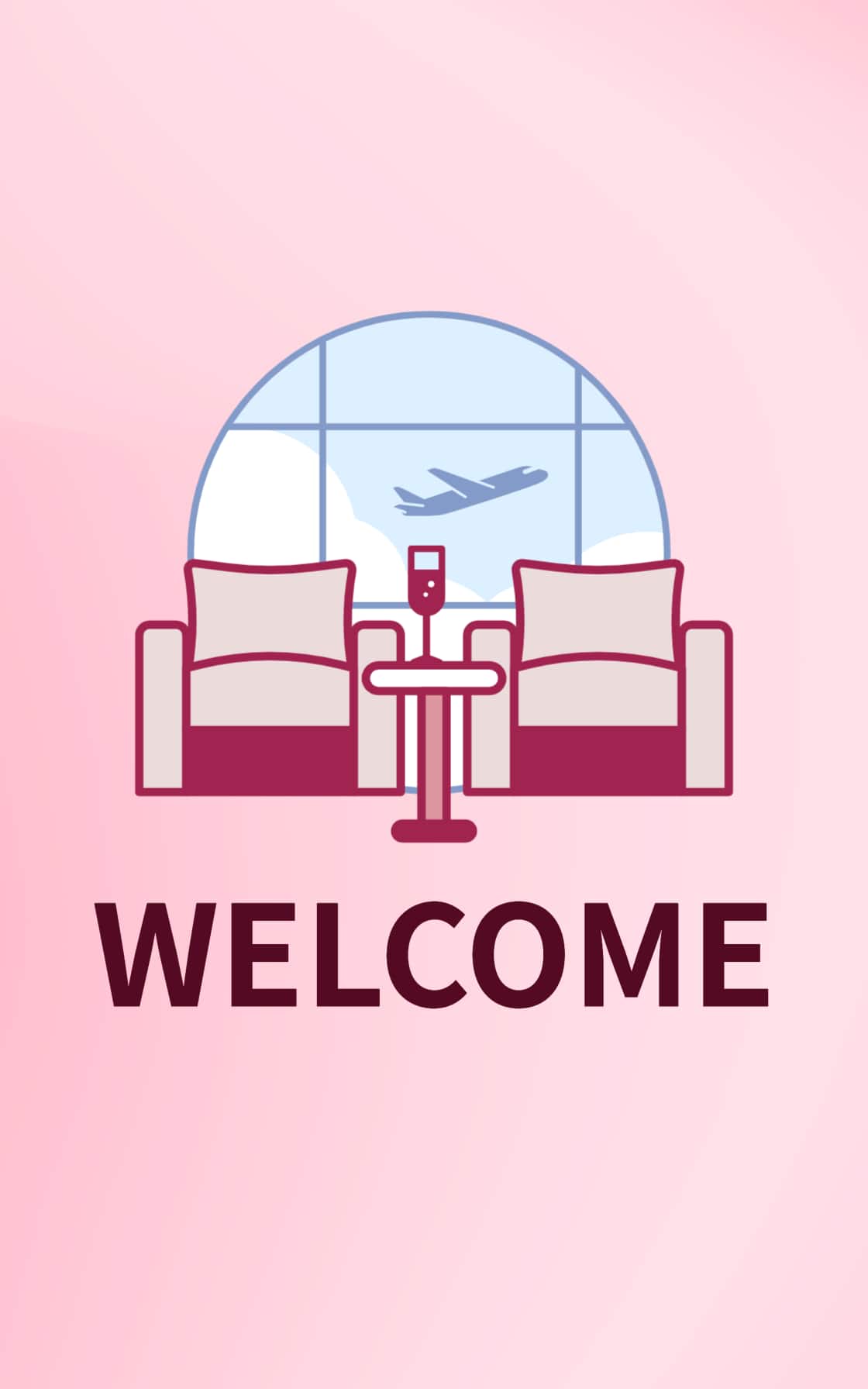
2. Customer information will be verified. If the above image is displayed, the entry procedure is completed.
Entry procedures for accompanying guests
1. Please tap the [Tap to Enter with Companion]
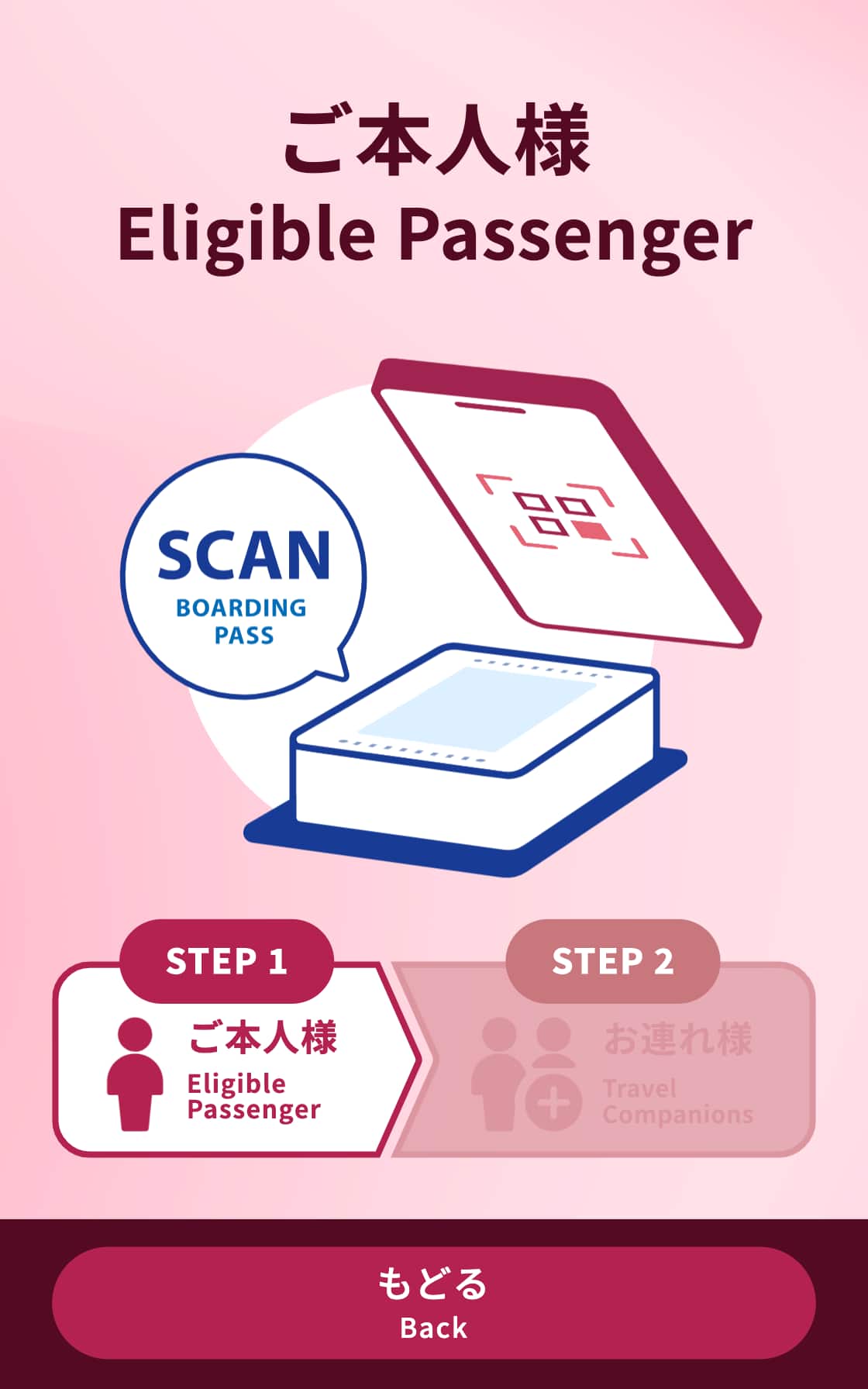
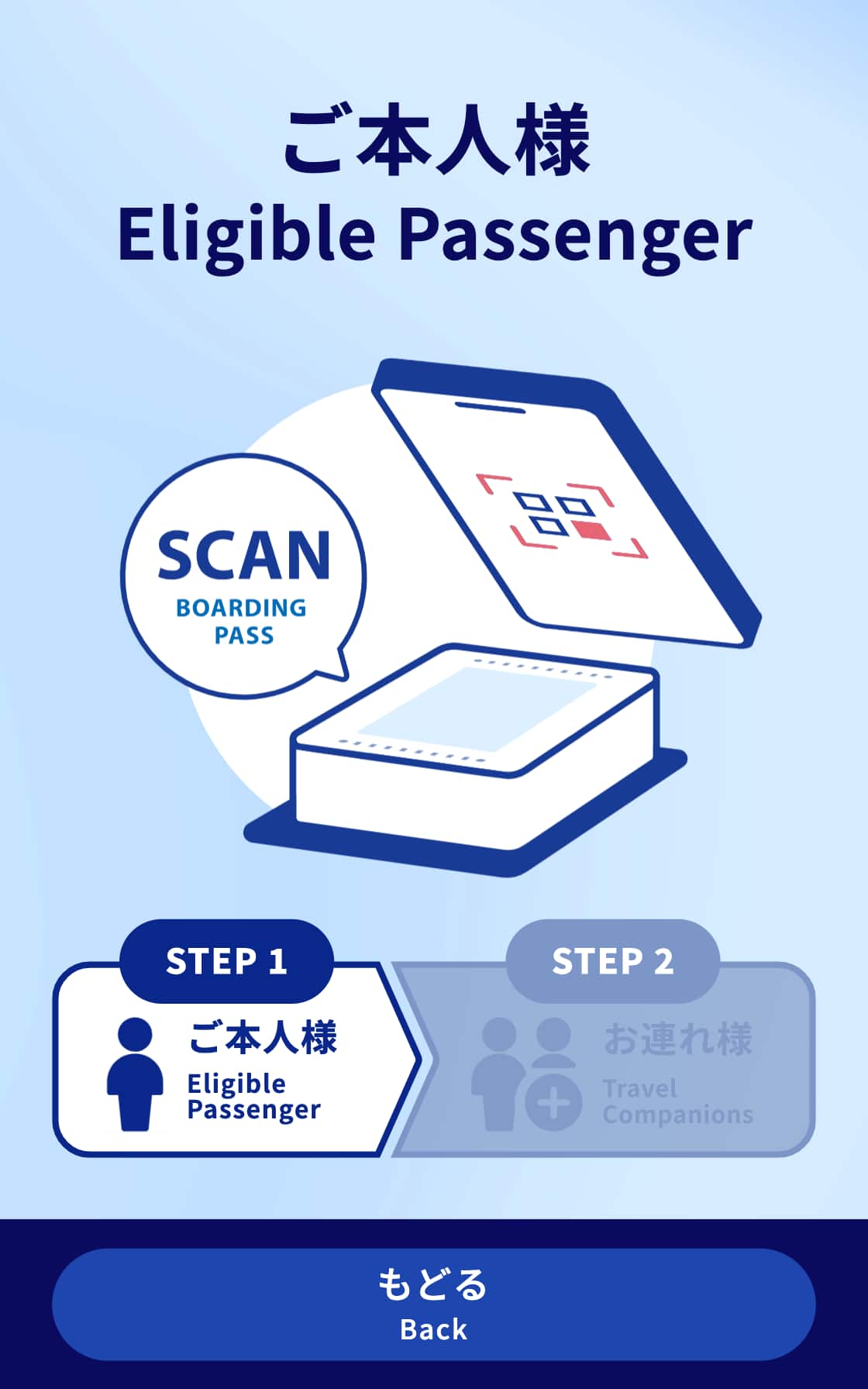
2. Please scan the primary member's boarding pass over the reader.
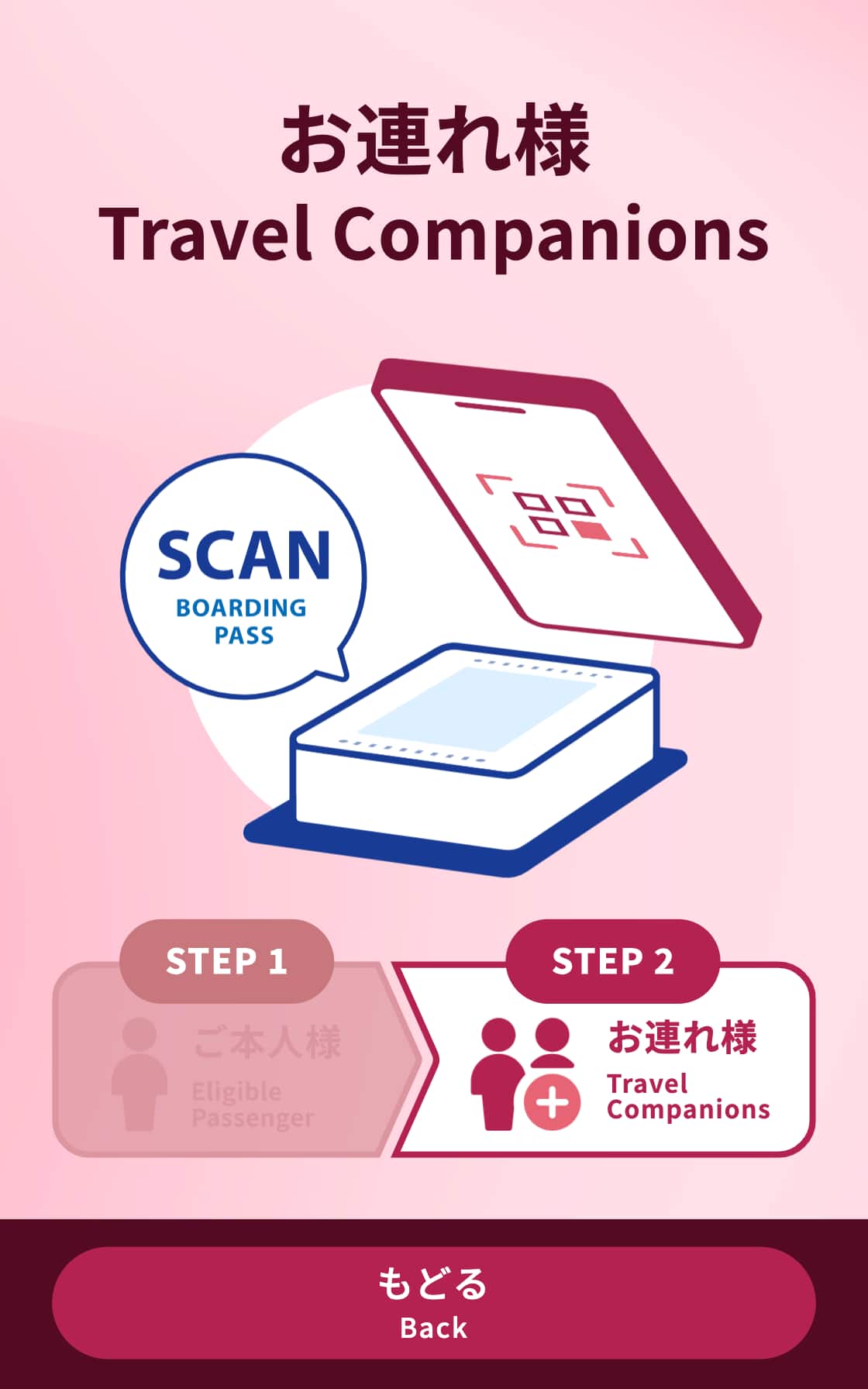
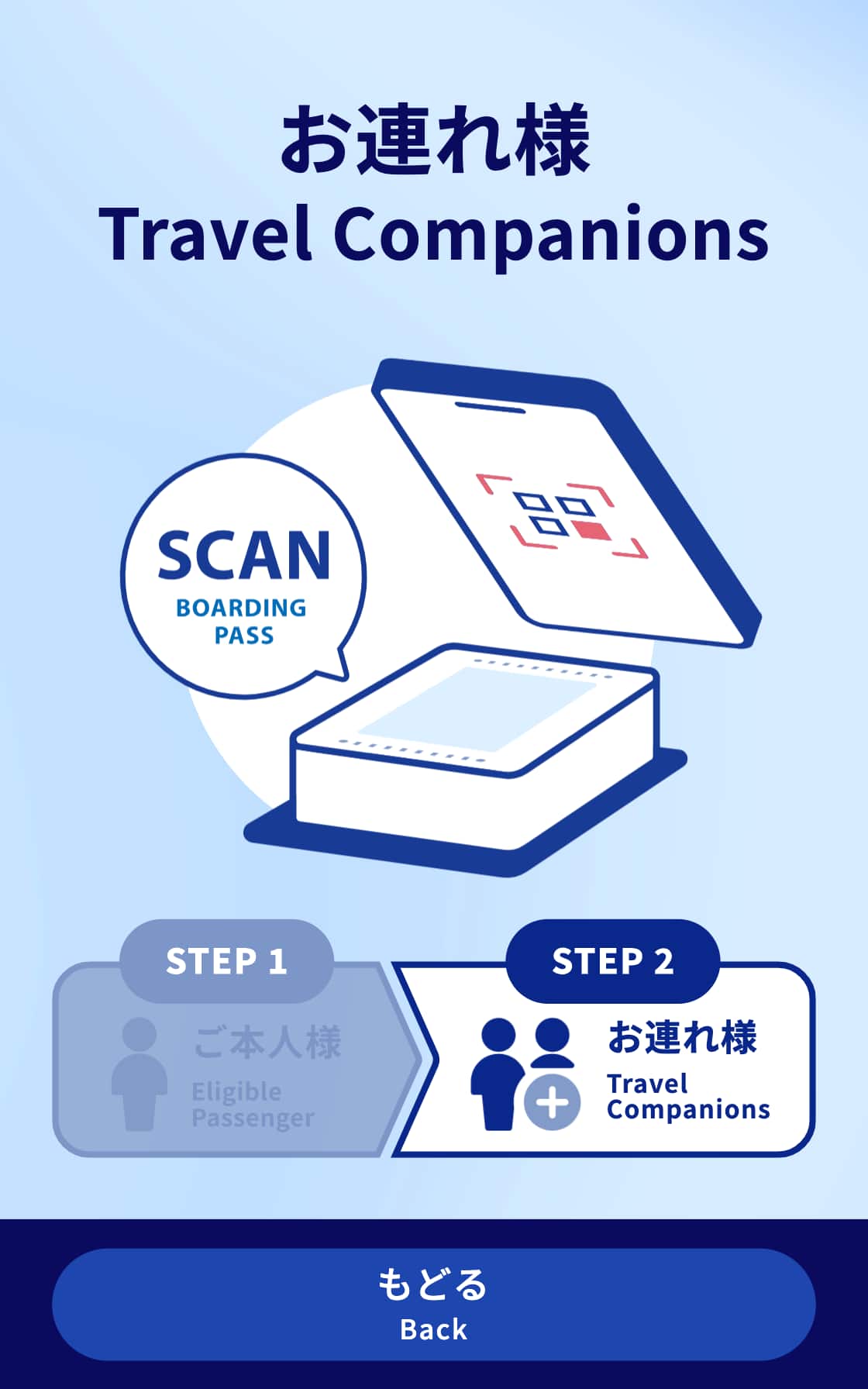
3. Please scan the Travel companion's boarding pass.
4. Customer information will be verified. If the above image is displayed, the entry procedure is completed.
Information
-
*
If the following screen is displayed, please inform staff.
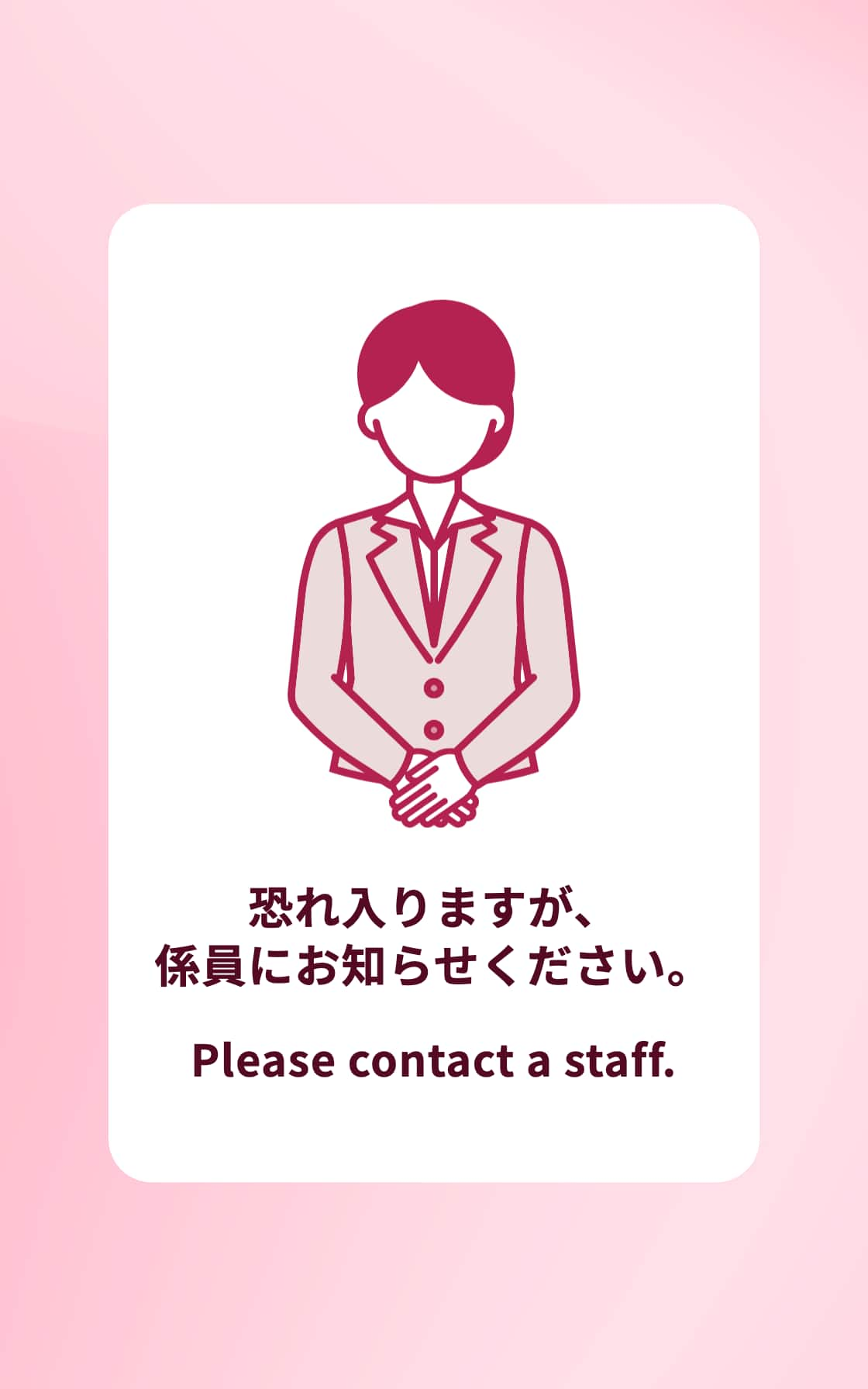
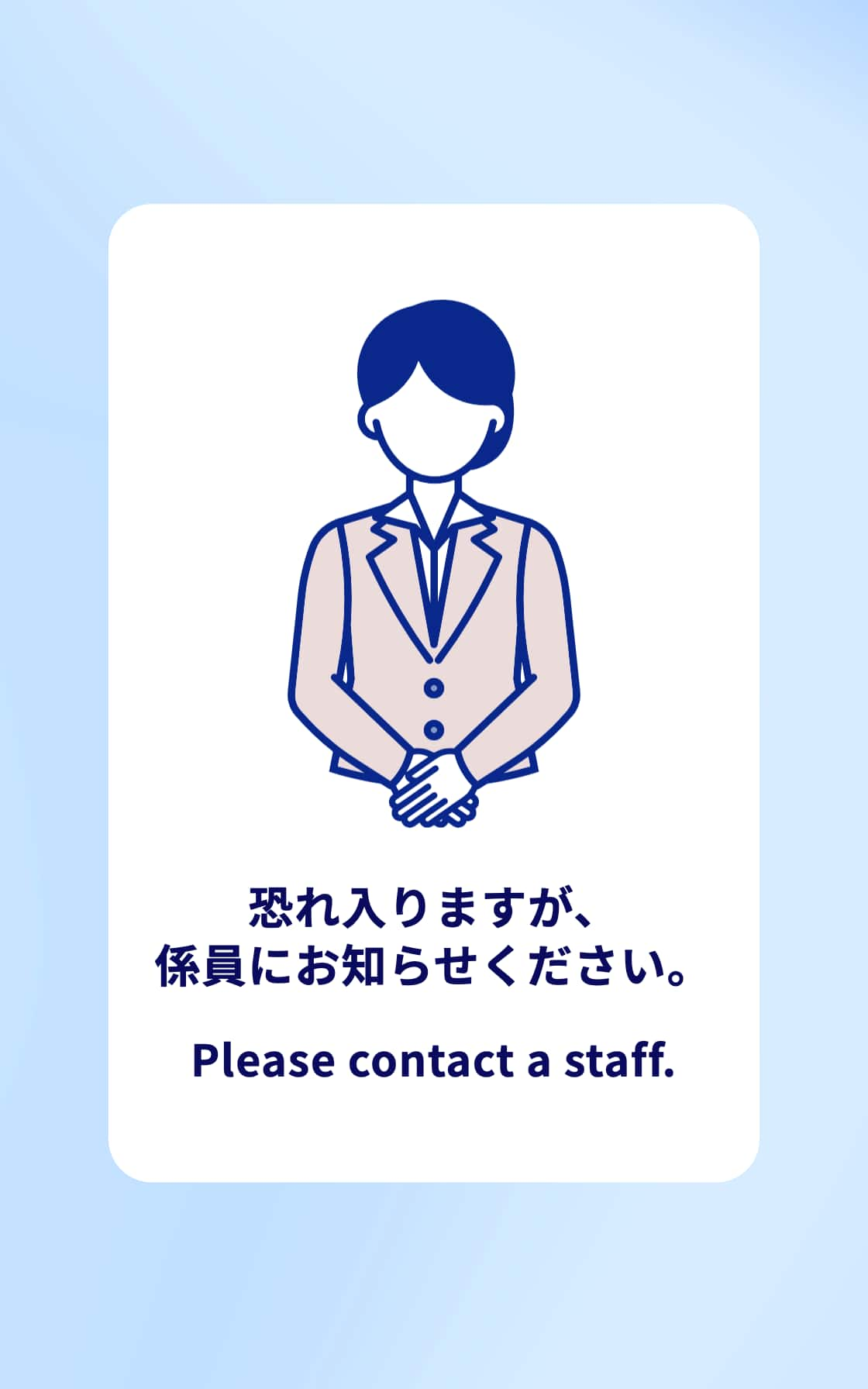
Please contact a staff.
Related Tags
Related Pages




Member Login
Information for Members Logging In
- Before proceeding to log in, please be sure to read and accept the section on the purpose of using personal information in the ANA Privacy Policy.
- Points to note when using your AMC account.
Auto-Login with Cookies
- However, you will need to re-enter your password as a form of verification when making reservations, requesting awards, registering/revising personal information, and using other members-only functions.
-
The confirmation screen will reappear after closing all browser windows even if you checked "Do not show this screen again."
Entry of One-Time Password
If you have not received your one-time password
If you do not receive an email, please check your email receipt settings and then have it re-sent.
If you do not do anything on the screen for a certain amount of time, you will have to request another one-time password.
and then have it re-sent.
If you do not do anything on the screen for a certain amount of time, you will have to request another one-time password.
Select your desired destination email address.
Do you really want to log out?
- If you click "Log Out," you will be logged out even if you have selected "Save Login Status."
- Close all open browser windows if you want to quit your session without logging out.
-
The confirmation screen will reappear after closing all browser windows even if you checked "Do not show this screen again."

ANA Biz is a business travel arrangement service.

-
MILES
-
ANA SKY COINS
-
Premium Point / Point on ANA /
-
Reservations
-
MILES
-
MILES
-
Login
-
Support