
- Please select the card you wish to join
-
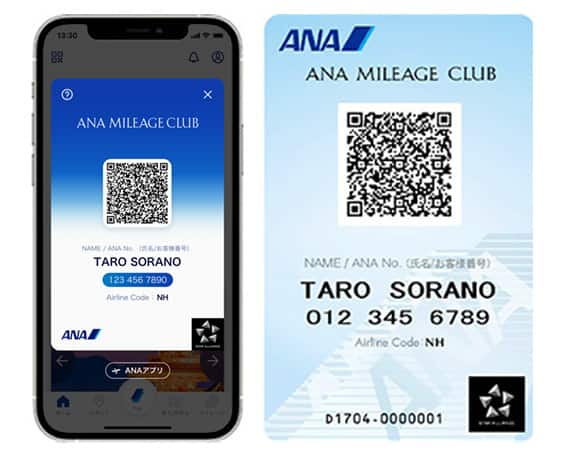
Get your digital card immediately
No enrollment or annual fees
ANA Mileage Club Card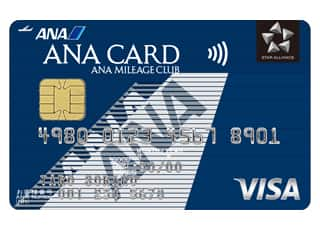
Earn more miles for your money
With credit function
ANA Card
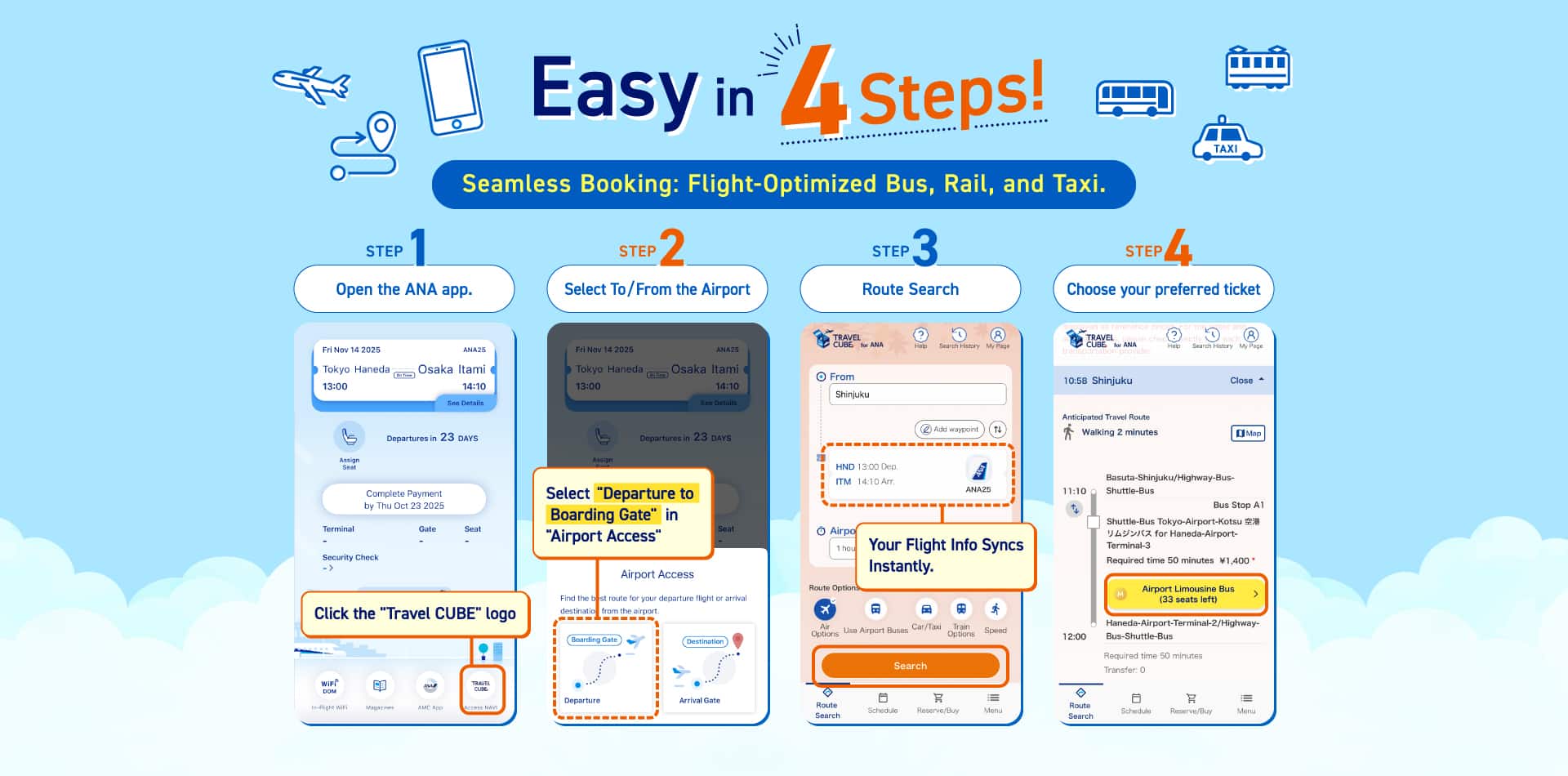
For Those Who Have Flight Ticket Reservations (Search Airport Access)
4 useful points
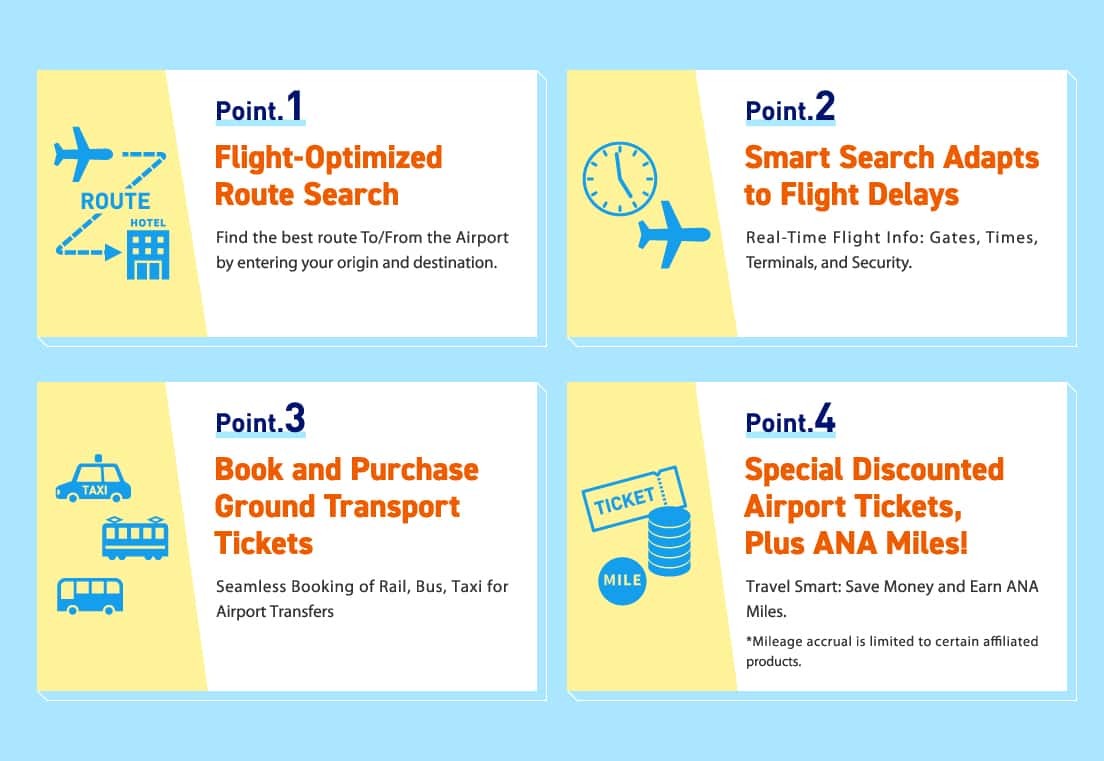
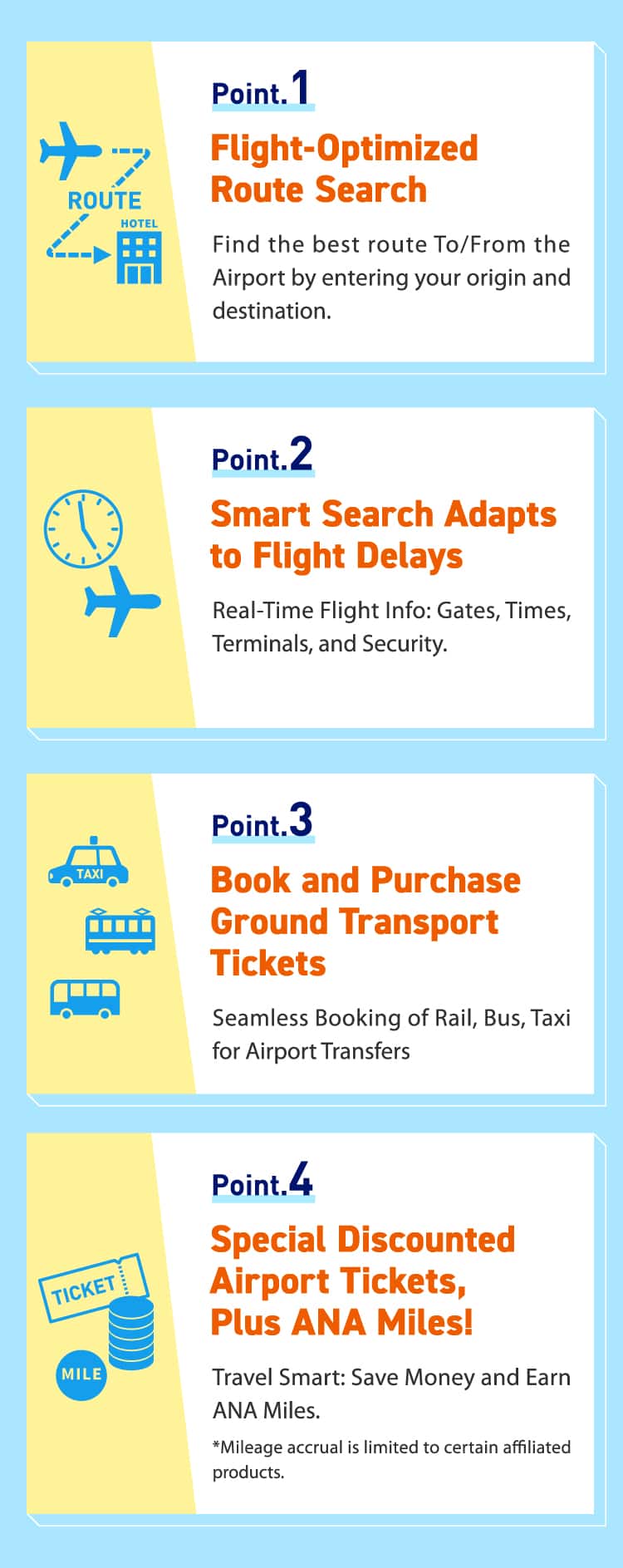
-
*
Only certain partner transportation services are eligible. Please refer to the partner services for more details.
Procedure up to Using the Service
Via the ANA Website/App
Via the ANA App
-
Check STEP
STEP1
Click "TRAVEL CUBE (Access NAV)"
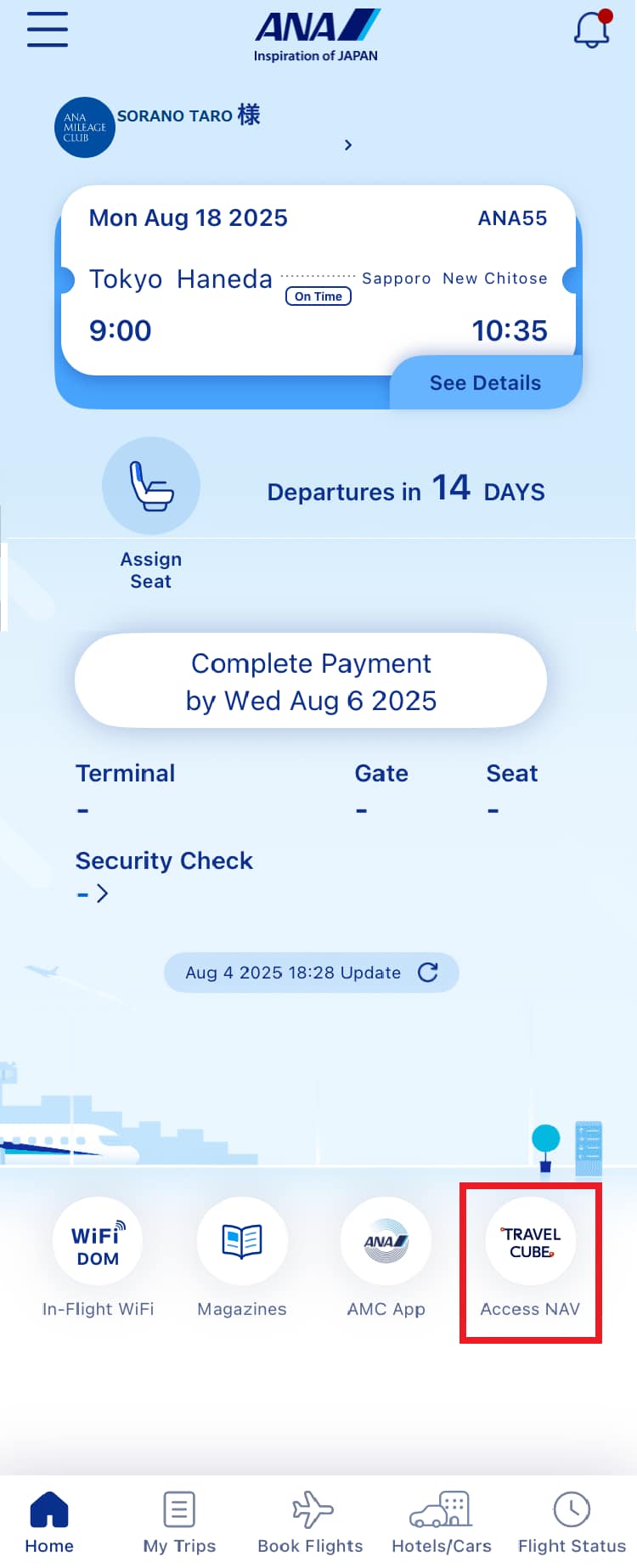
STEP2
Select "For departure flight" or "From arrival the airport"
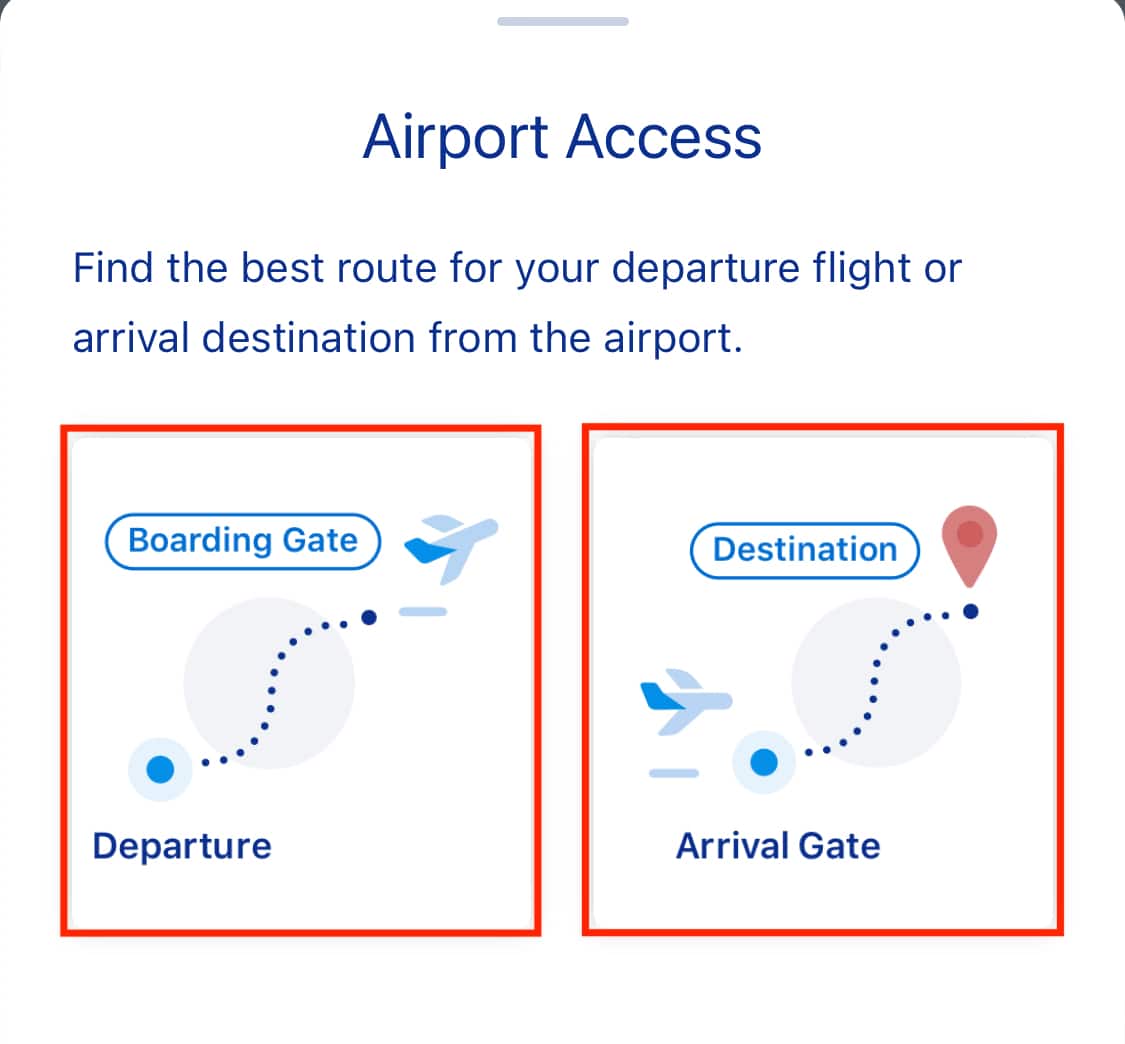
Via the ANA Website
-
Check STEP
STEP1
Click the View Reservation button on this page
STEP2
ANA Mileage Club members: Enter your membership number/password
Non-members: Enter your reservation information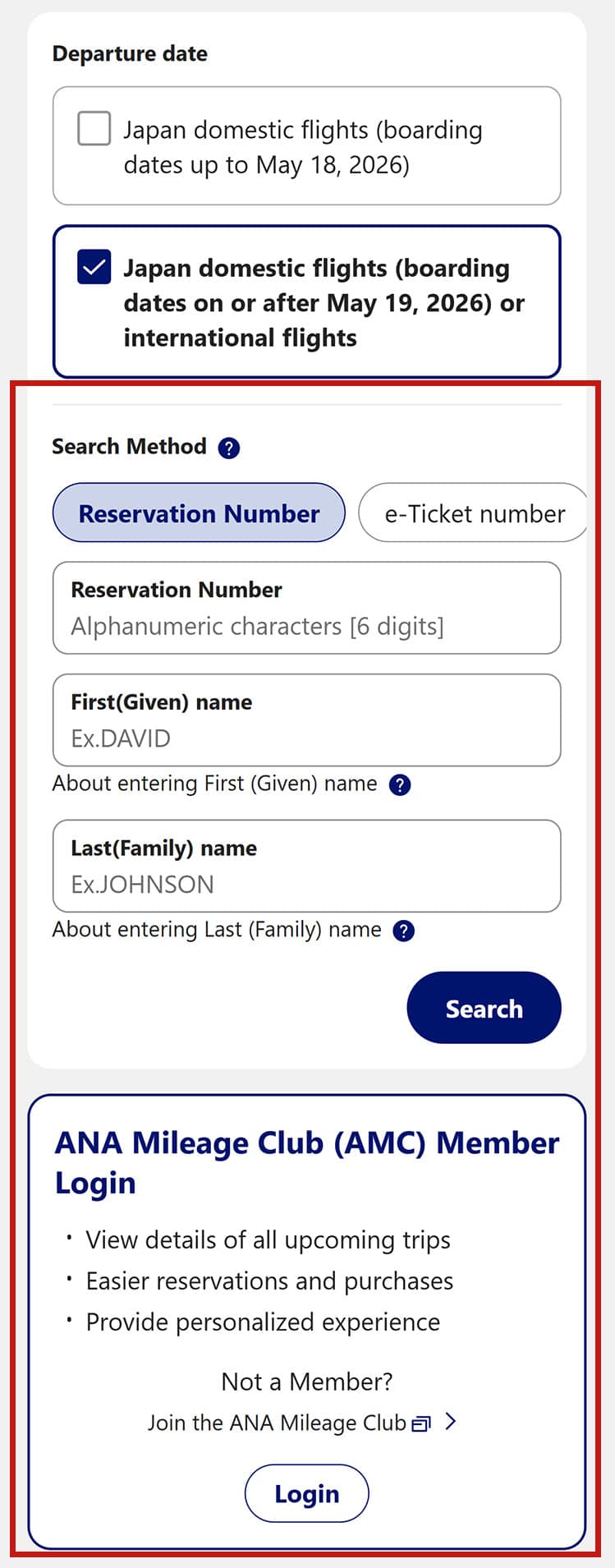
STEP3
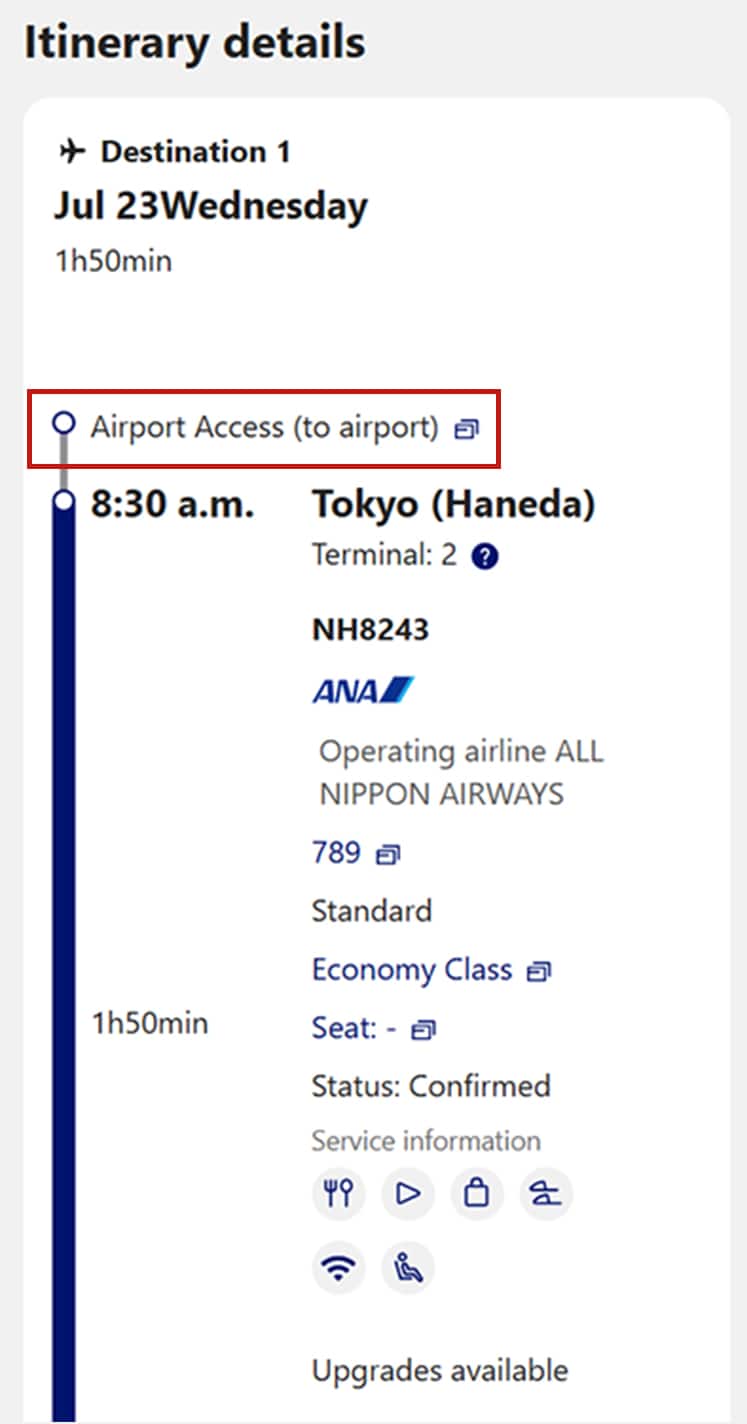
Click Airport Access Guide on the reservation details confirmation screen
Via Travel CUBE
Search by Reserved Flight Ticket
-
*
You must link your ANA Mileage Club membership number after registering as a Travel CUBE member
-
Check STEP
STEP1
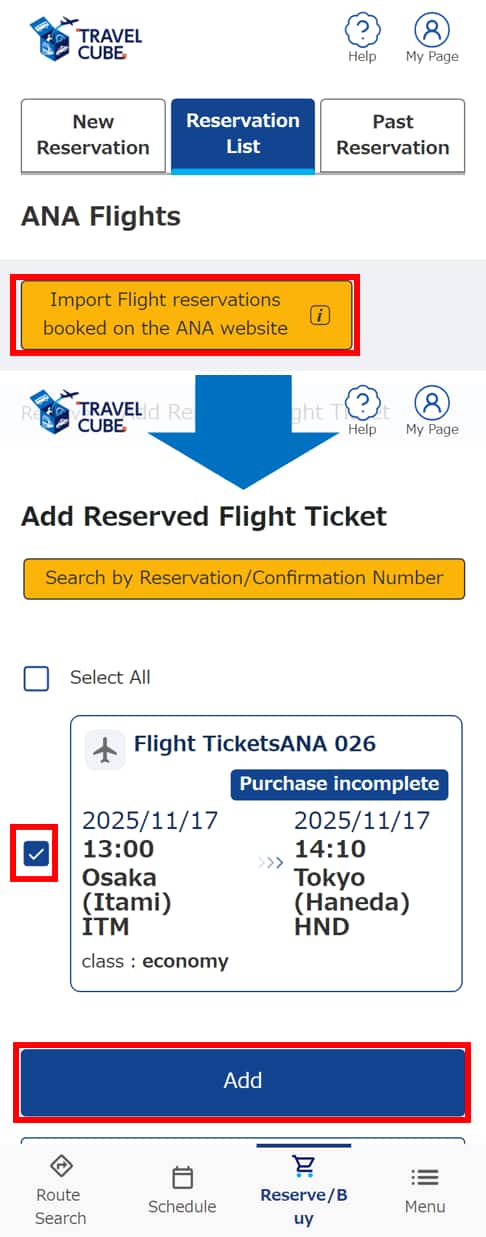
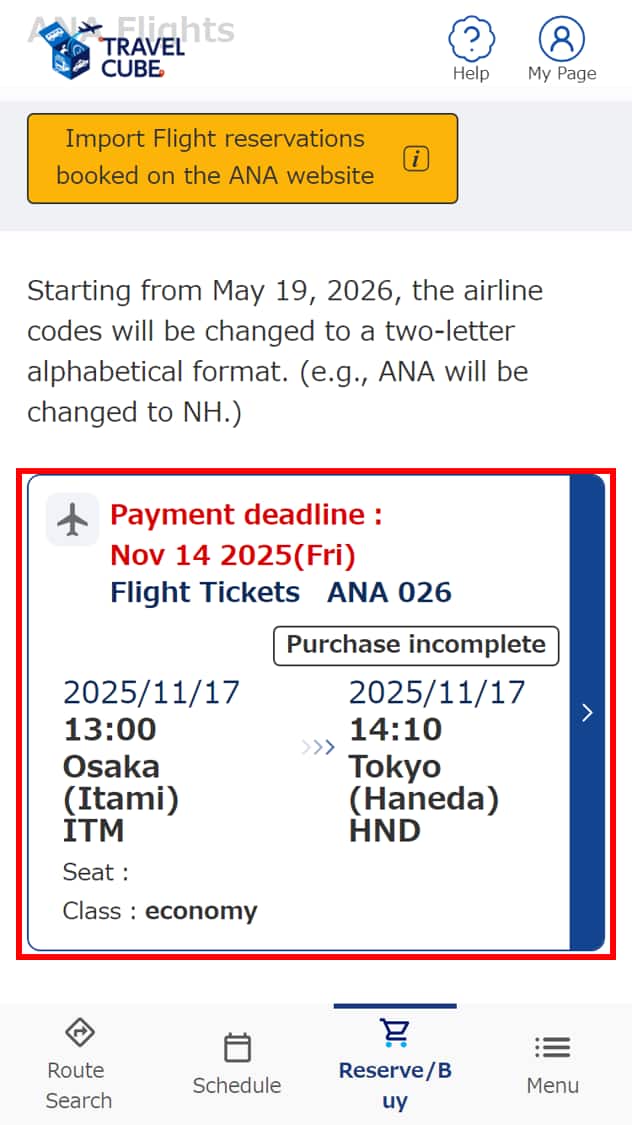
Add reserved domestic flight tickets in "List of Reservations"
STEP2
Click on the flight ticket information
STEP3
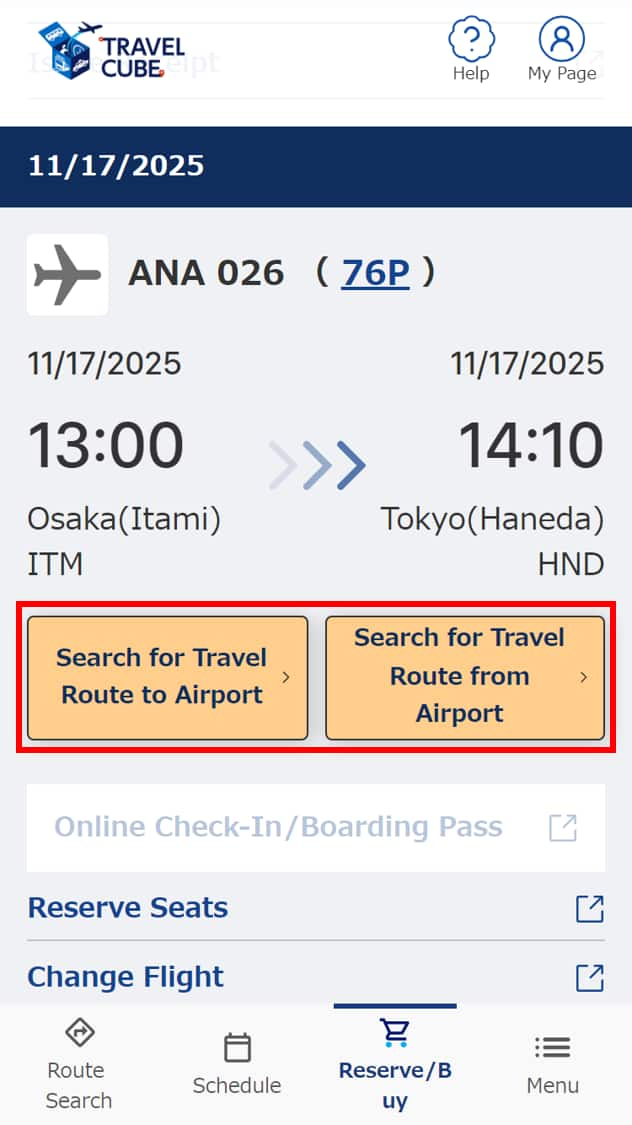
Click "Search for Travel Route to/from Airport"
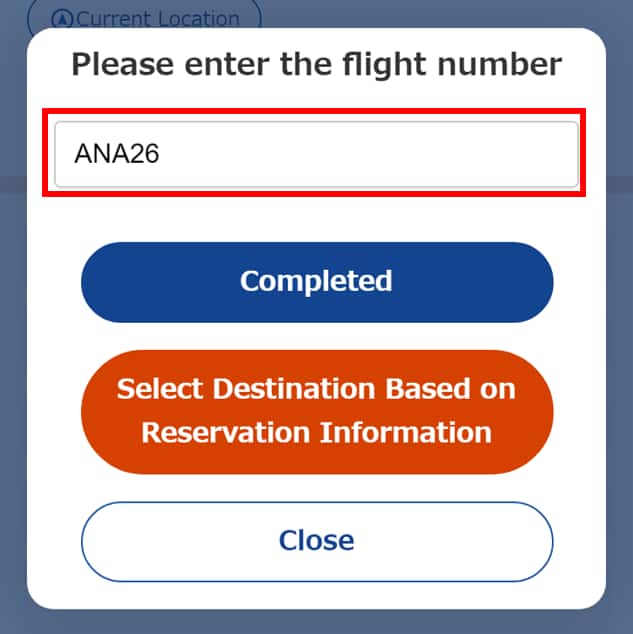
Search by Flight Number
-
Check STEP
STEP1
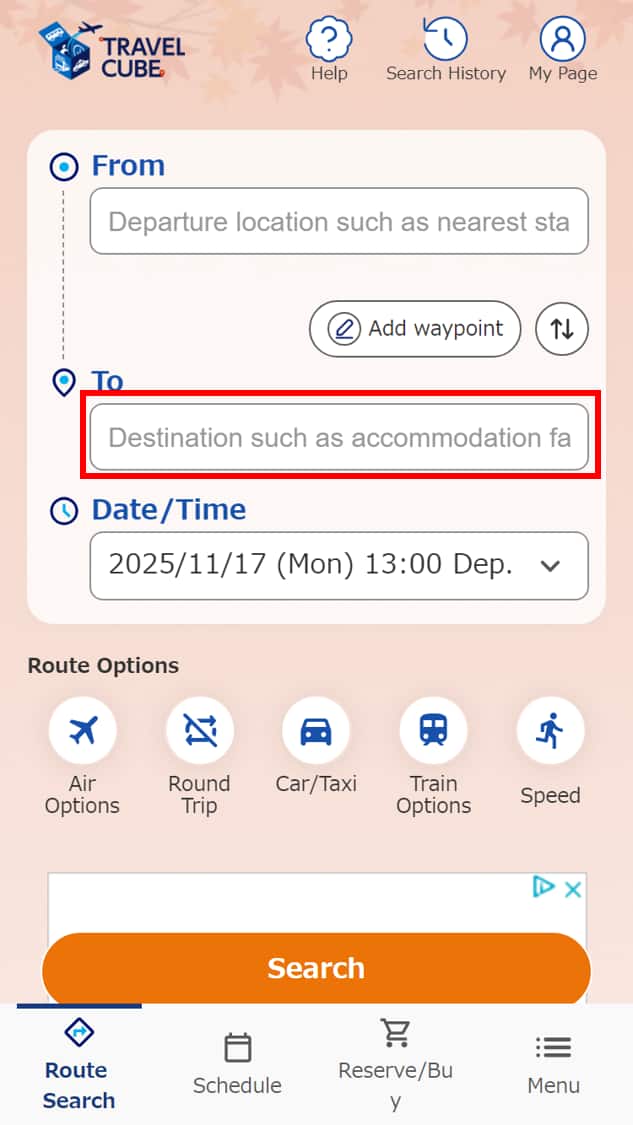
Click "From/To" or "+Midway Dest./Via" on the route search screen
STEP2
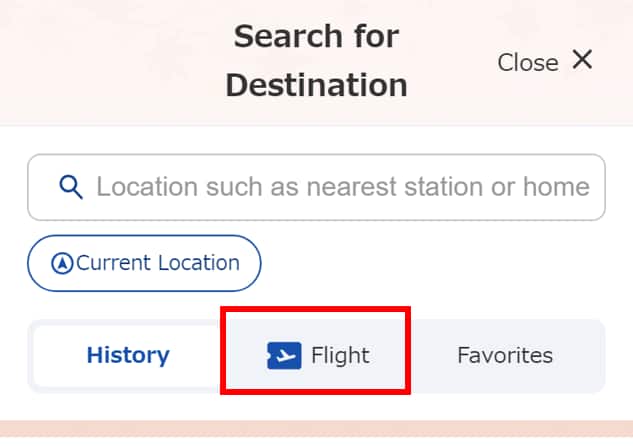
Click "Flight"
STEP3
Enter the flight number (3 letters or 2 letters + flight number)





Member Login
Information for Members Logging In
- Before proceeding to log in, please be sure to read and accept the section on the purpose of using personal information in the ANA Privacy Policy.
- Points to note when using your AMC account.
Auto-Login with Cookies
- However, you will need to re-enter your password as a form of verification when making reservations, requesting awards, registering/revising personal information, and using other members-only functions.
-
The confirmation screen will reappear after closing all browser windows even if you checked "Do not show this screen again."
Entry of One-Time Password
If you have not received your one-time password
If you do not receive an email, please check your email receipt settings and then have it re-sent.
If you do not do anything on the screen for a certain amount of time, you will have to request another one-time password.
and then have it re-sent.
If you do not do anything on the screen for a certain amount of time, you will have to request another one-time password.
Select your desired destination email address.
Do you really want to log out?
- If you click "Log Out," you will be logged out even if you have selected "Save Login Status."
- Close all open browser windows if you want to quit your session without logging out.
-
The confirmation screen will reappear after closing all browser windows even if you checked "Do not show this screen again."

ANA Biz is a business travel arrangement service.

-
MILES
-
ANA SKY COINS
-
Premium Point / Point on ANA /
-
Reservations
-
MILES
-
MILES
-
Login
-
Support