
- Please select the card you wish to join
-
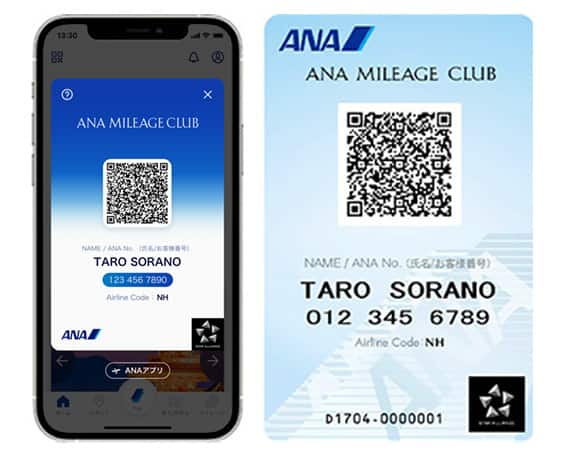
Get your digital card immediately
No enrollment or annual fees
ANA Mileage Club Card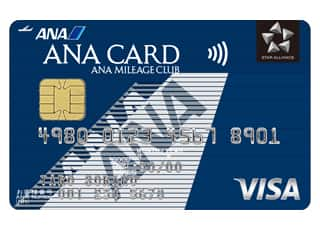
Earn more miles for your money
With credit function
ANA Card
Notice regarding ANA Baggage Tag Kiosk (baggage tag issuing machine)
A baggage tag issuing machine has been installed at Kansai, Chubu International, Ishigaki, and Miyako Airport.
Check in your baggage without having to wait in line at the baggage counter.
ANA Baggage Tag Kiosk (baggage tag issuing machine)
Check in your baggage in a few simple steps without having to wait in line at the counter.
-
*
Available to customers who have completed check-in procedures.
-
*
As the various handling procedures will be different for flights operated by Japan Air Commuter and Amakusa Airlines, you are kindly requested to see the information on the Japan Air Commuter or Amakusa Airlines page before you travel on such flights.

Information
If you have separate reservations for connecting flights and wish to check your baggage through to your final destination using the self-service baggage drop (ANA BAGGAGE TAG KIOSK), please use the "Add Itinerary" feature available within online check-in.
Click here for details on How to combine separate bookings
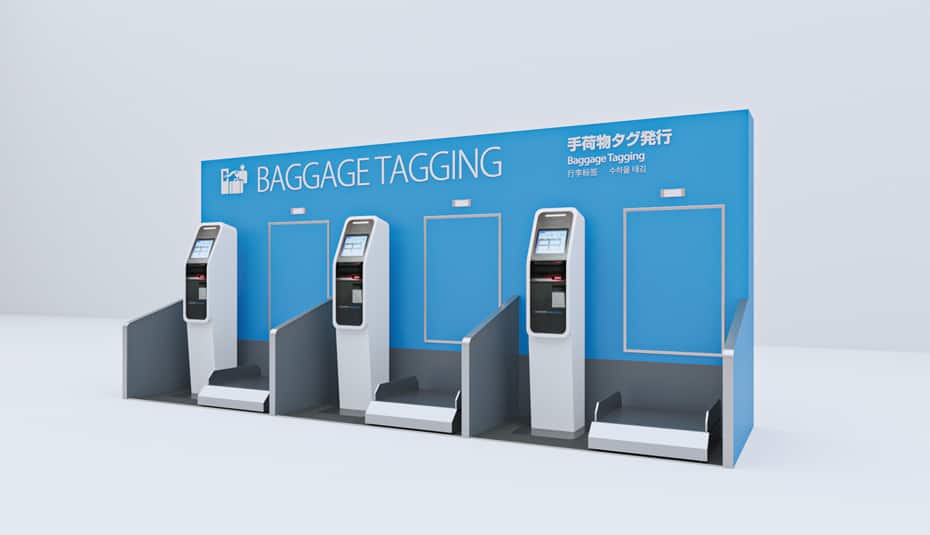
How to Use ANA Baggage Tag Kiosk
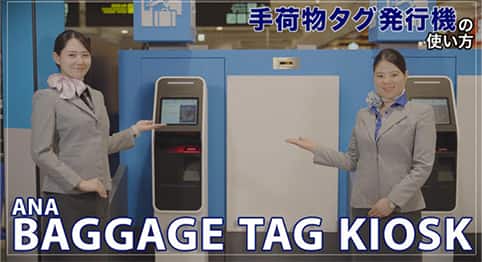

Watch a video on how to use ANA Baggage Drop
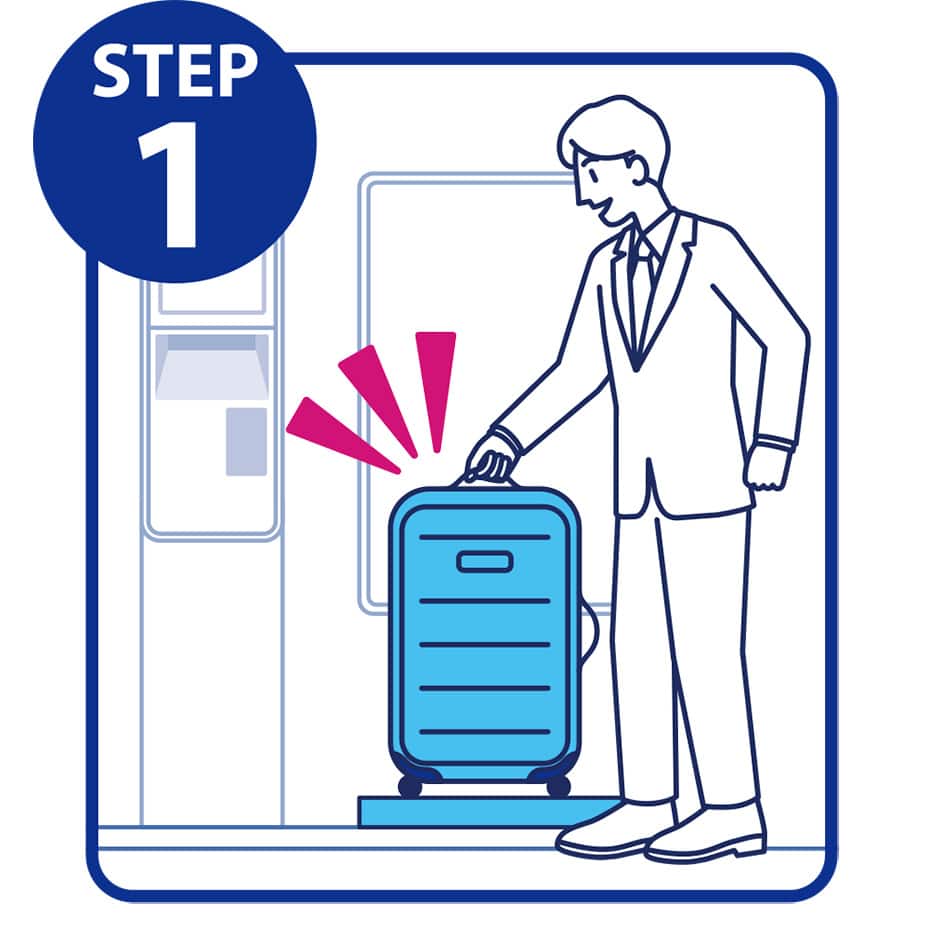
STEP1
Place your baggage on the scale stand.
-
Items of baggage must be checked in one at a time.
(If you have multiple items, please check them in one by one.)
-
*
Please do not move the baggage.
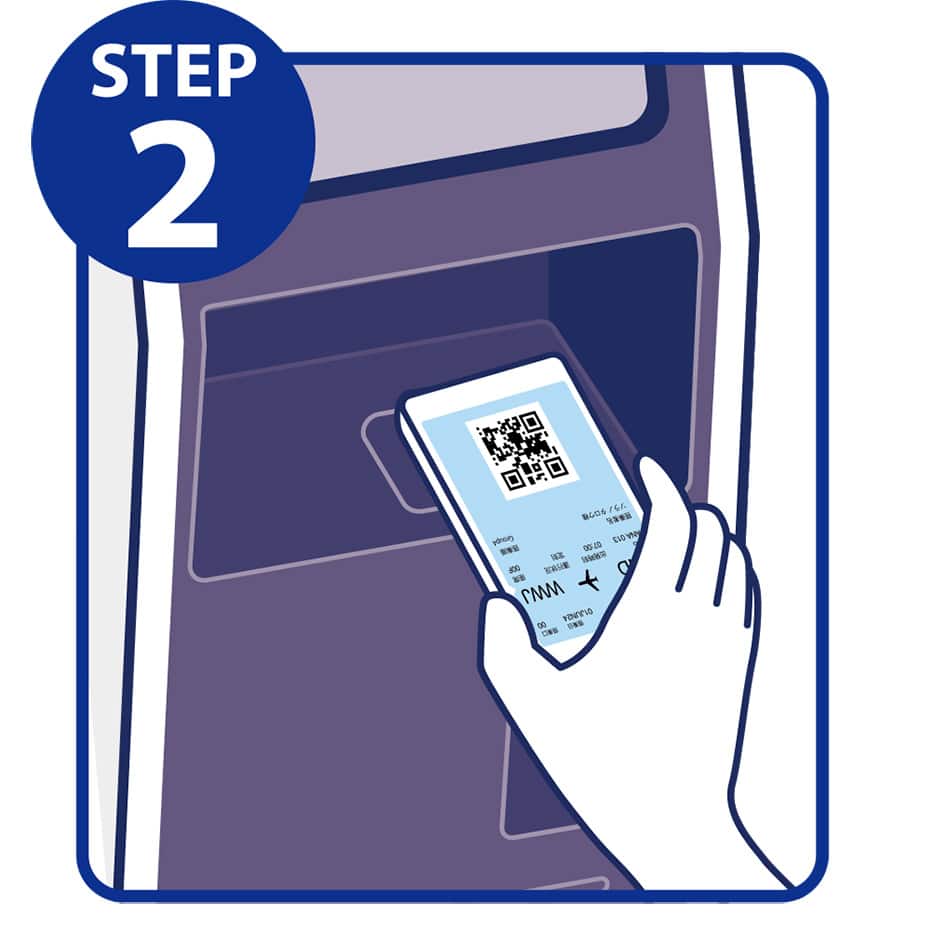
STEP2
Hold the barcode on your boarding pass face up under the scanner.
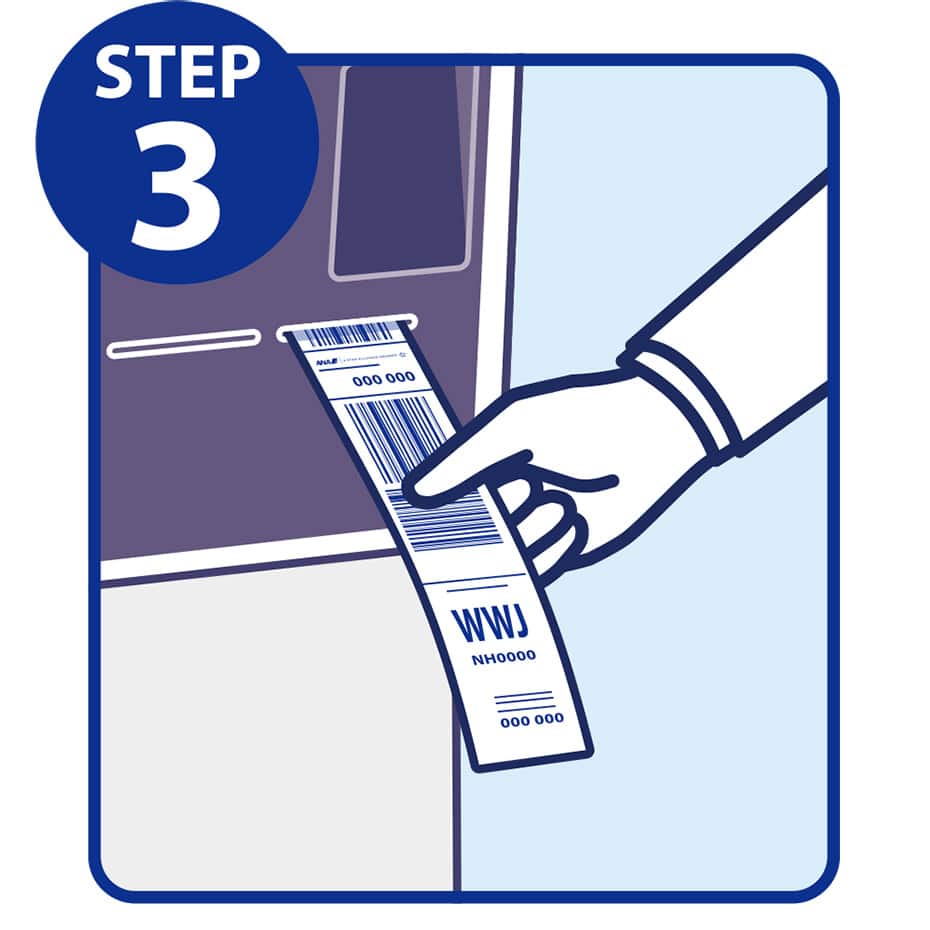
STEP3
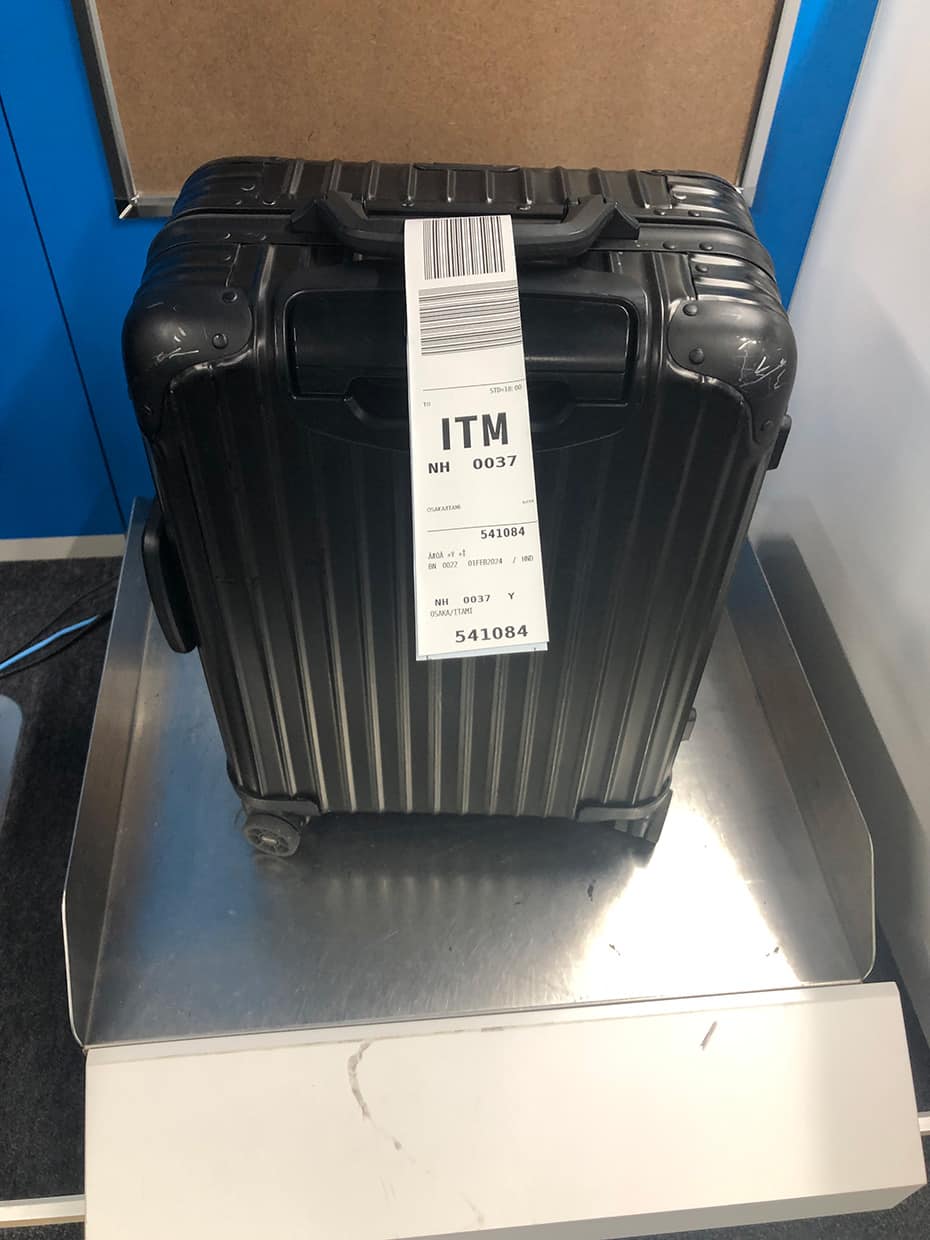
Take the baggage tag that is printed out.
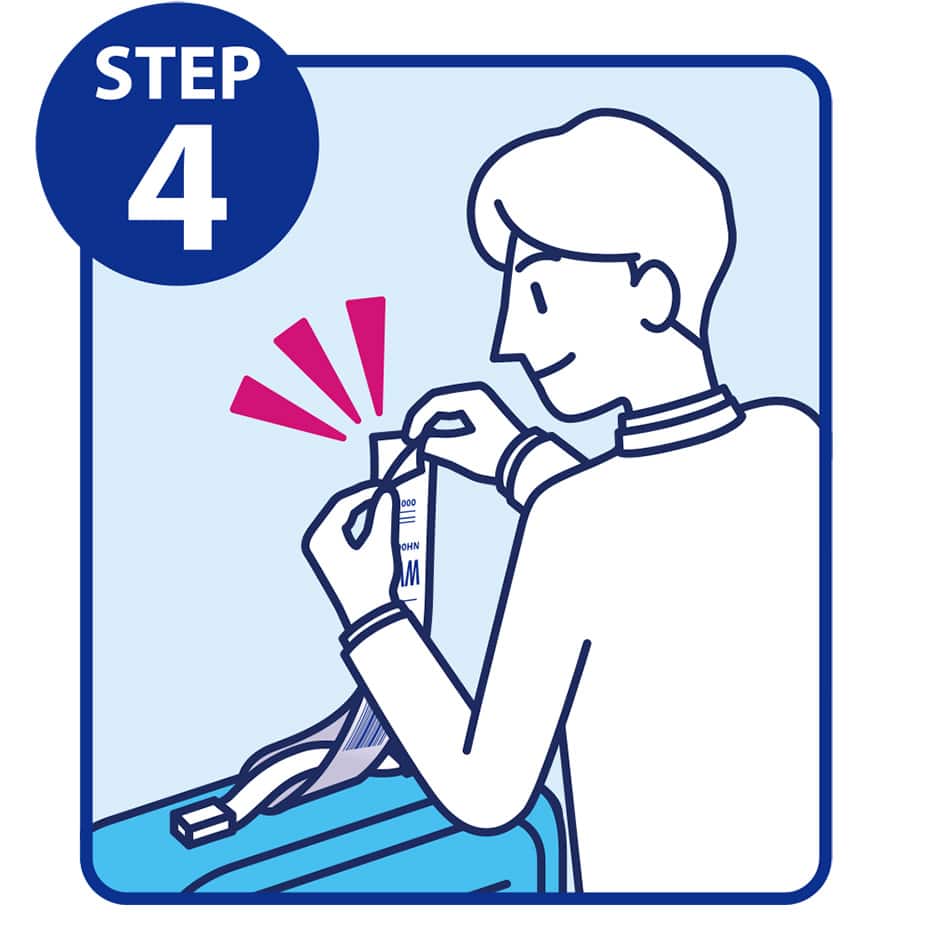
STEP4
Turn over the baggage tag, loop it through the handle of your bag, and press the ends together.

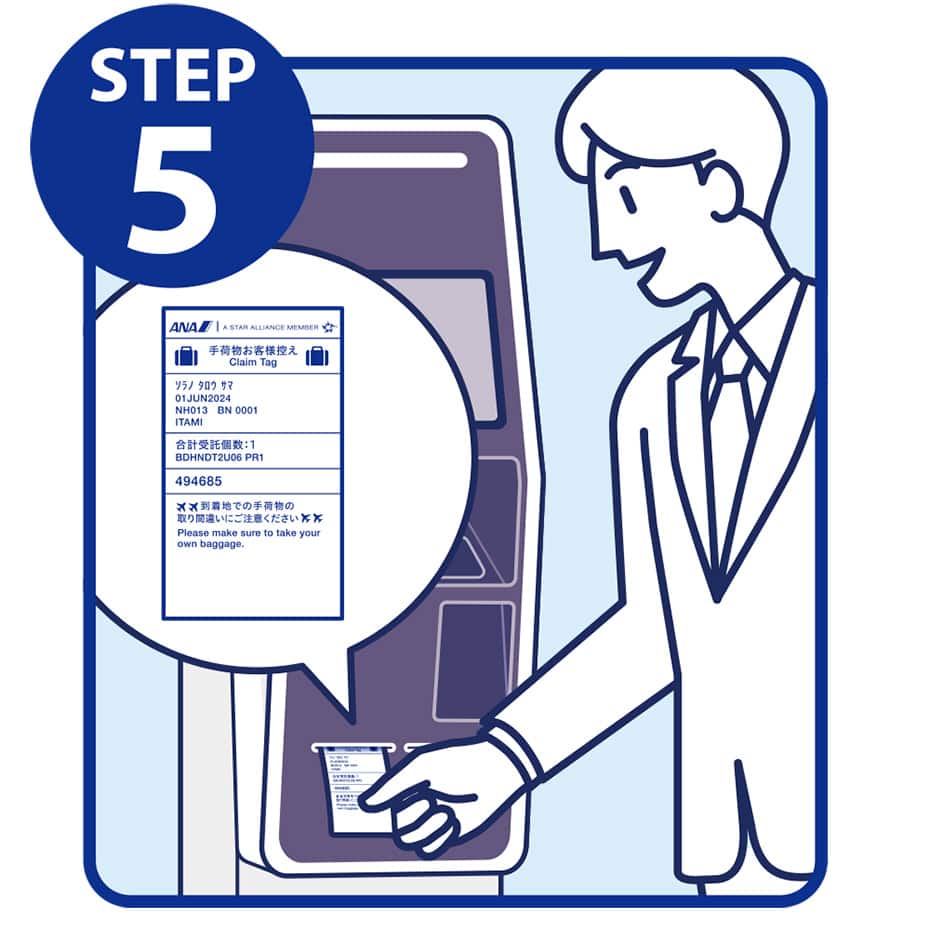
STEP5
Remember to take the printed claim tag and keep it safe until arriving at your destination.
Please follow the airport's instructions to check in your baggage.
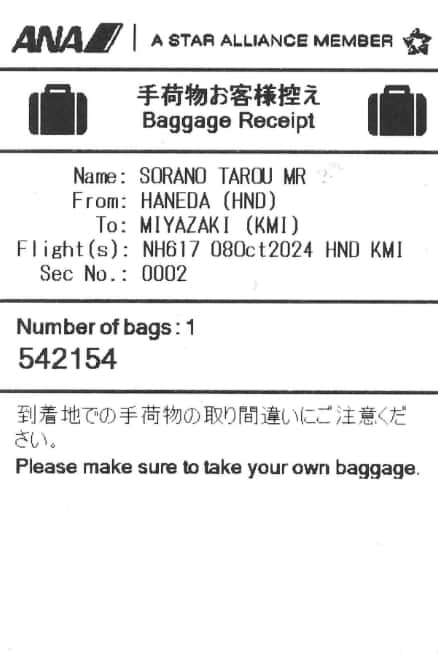
If you have separate reservations for connecting flights and wish to check your baggage through to your final destination using the self-service baggage drop (ANA BAGGAGE TAG KIOSK), please use the "Add Itinerary" feature available within online check-in.
Click here for details on How to combine separate bookings
ANA Baggage Tag Kiosk locations
Weight and Number of Pieces Which Can Be Checked
-
*
For flights departing on or after May 19, 2026, the descriptions on the reservation search page for Japan domestic flights have been changed from "Premium Class" and "Economy Class Seat" to "First Class (Premium Class)" and "Economy Class" respectively.There are no plans for any changes to the service following this change in terminology.
Weight
-
*
Premium Class
Free of charge for up to 3 pieces of 32 kg per piece per person
-
*
Economy Class
Free of charge for up to 2 pieces of 23 kg per piece per person
Size
The total linear dimensions (length, width, height) per item are no more than 158 cm.
Even if the linear dimensons are within 158 cm, restrictions may apply to the longest side depending on the aircraft to be used for your flight.
Customers whose baggage exceeds the free allowance should check in their baggage at a baggage counter.
Star Alliance Gold Members
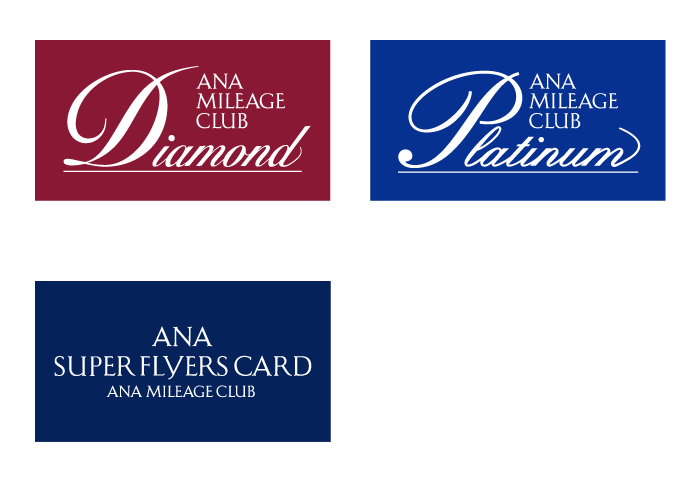
Baggage within the Free Baggage Allowance of the boarding class plus up to 1 piece can be checked in free of charge.
Baggage that cannot be checked in using ANA Baggage Tag Kiosk
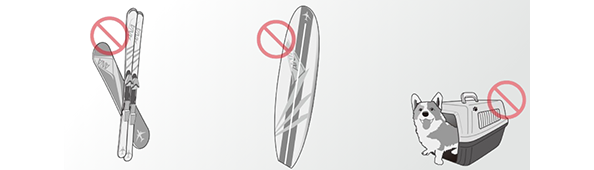
Hazardous materials, items specified below, and fragile items cannot be carried.
-
Mobile batteries
-
Skis and snowboards
-
Surfboards
-
Pets
-
Items whose total linear dimensions (length, width, height) exceeds 158 cm
-
Items whose individual linear dimensions exceed 80 cm in length, 75 cm in width, and 45 cm in height
-
Baggage exceeding the free baggage allowance
Please note that ANA Baggage Tag Kiosk is not available when using the Kaisoku Takku-bin home delivery service.
Convenient ANA services
Online check-in
Experience ANA-style boarding with the Online check-in! Get information on the procedures from reservation to boarding.





Member Login
Information for Members Logging In
- Before proceeding to log in, please be sure to read and accept the section on the purpose of using personal information in the ANA Privacy Policy.
- Points to note when using your AMC account.
Auto-Login with Cookies
- However, you will need to re-enter your password as a form of verification when making reservations, requesting awards, registering/revising personal information, and using other members-only functions.
-
The confirmation screen will reappear after closing all browser windows even if you checked "Do not show this screen again."
Entry of One-Time Password
If you have not received your one-time password
If your one-time password does not come through, please check your settings for receiving it and then re-send it.
If you do not do anything on the screen for a certain amount of time, you will have to request another one-time password.
Select your desired destination email address.
Do you really want to log out?
- If you click "Log Out," you will be logged out even if you have selected "Save Login Status."
- Close all open browser windows if you want to quit your session without logging out.
-
The confirmation screen will reappear after closing all browser windows even if you checked "Do not show this screen again."

ANA Biz is a business travel arrangement service.

-
MILES
-
ANA SKY COINS
-
Premium Point / Point on ANA /
-
Reservations
-
MILES
-
MILES
-
Login
-
Support